Preview Gallery
Real iRacing overlay styles.
These previews use the actual overlay styles and settings screens from the app, not random placeholder images.
These previews use the actual overlay styles and settings screens from the app, not random placeholder images.
 Style 1 — Modern Pro
Clean red full-width telemetry style with gear, RPM, speed, pit status, fuel, temps, lap, and gap.
 Style 2 — Race Dash
Track-inspired yellow dash with large gear ring, speed, RPM, lap, gap, temps, fuel, and pit status.
 Style 3 — Digital Minimal
Blue minimal telemetry layout made to stay readable without blocking gameplay.
 Style 4 — Classic Carbon
Carbon-style purple layout with classic dashboard spacing and high contrast telemetry.
 Style 5 — GT Dash
Premium GT-style layout with large gear ring, race info, and right-side temps/fuel readouts.
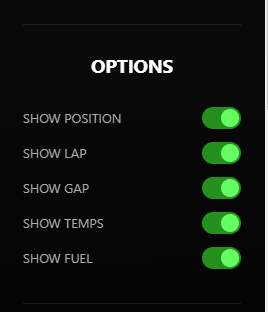 Options Panel
Quick toggles for position, lap, gap, temps, and fuel.
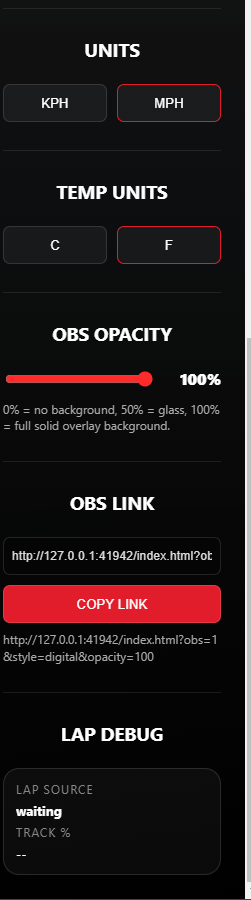 OBS Link + Opacity
Set units, temperature units, opacity, and copy the generated OBS browser source link.
Download the Windows installer, open iRacing, pick a style, copy your OBS link, and start streaming.
Go To Download